OsomeFrame
Free
For a few moments each day.
- 3 exports per day
- JPEG images
- Standard export quality
- On-device video processing
 OsomeFrame
Get the app
OsomeFrame
Get the app
For iPhone & iPad
The smile between poses. The jump at its highest. That one moment you want to keep. Find it, then make it a photo.
Download on theApp Store3 free exports a day. No ads. No account.
 A moment worth keeping.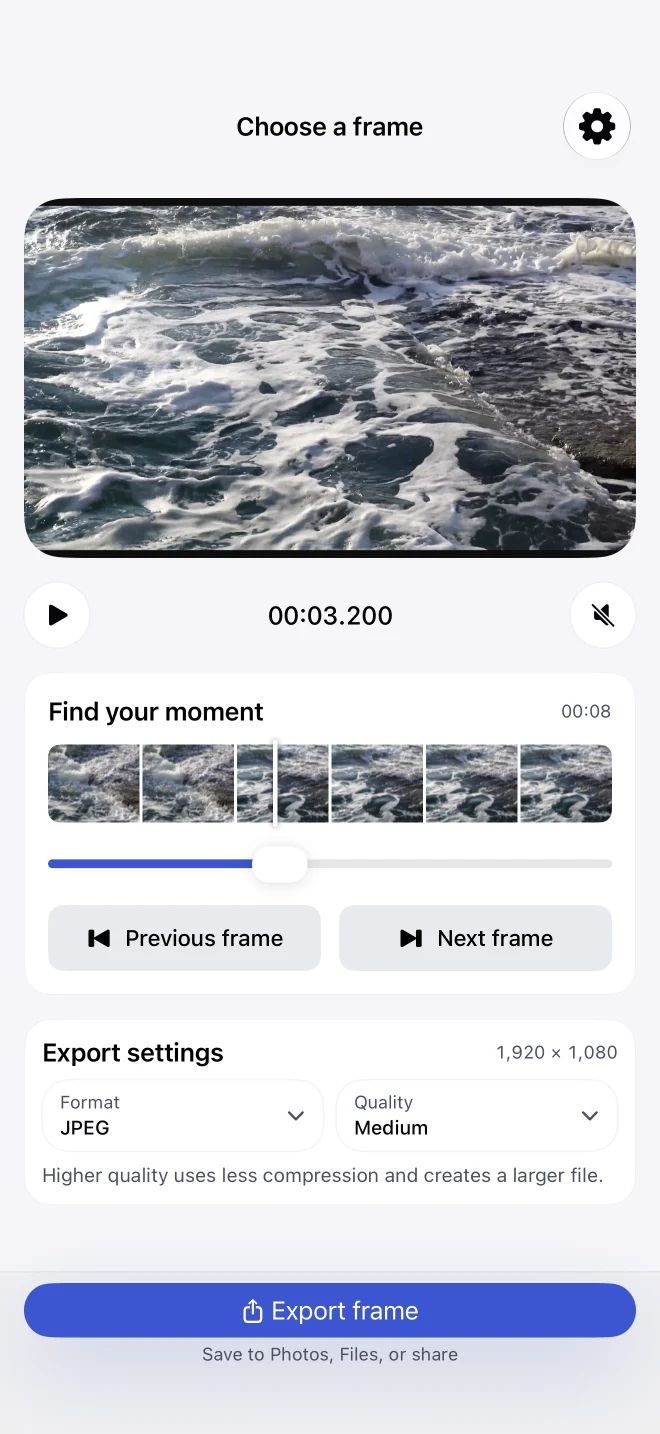
No editing project to set up. Just a video and the moment you’re looking for.
Open a clip from your photo library. A holiday, a family moment, or footage for your next post.
Play, pause, and explore the timeline. In 1.2, step one frame at a time to catch the moment just right.
Export your selected frame, then save or share it using the iOS share sheet.
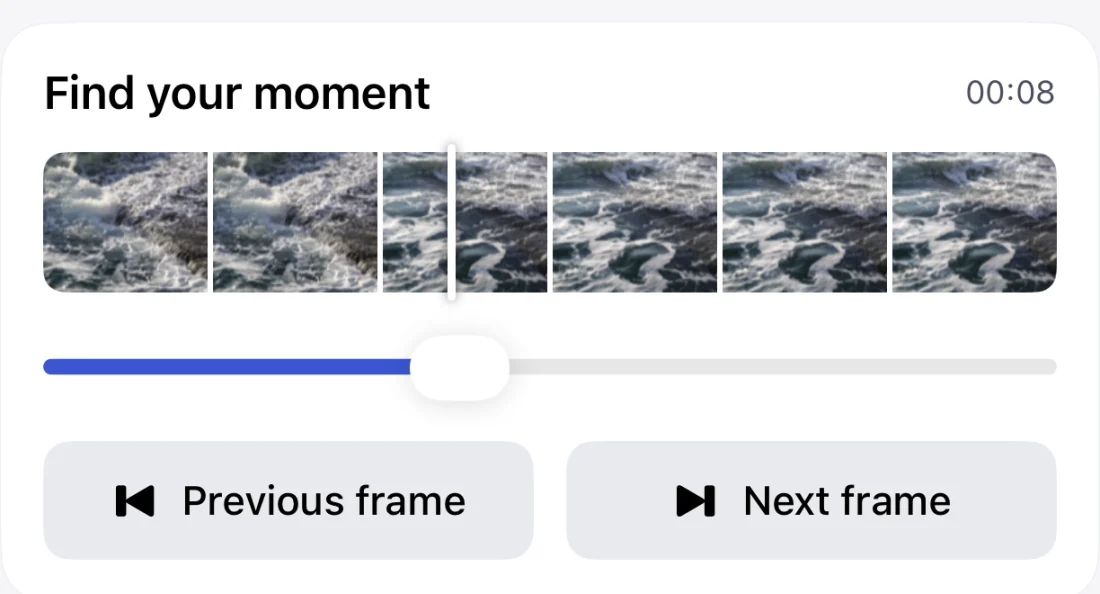
New in 1.2
A wave breaks. A smile changes. Move through your video one frame at a time and choose the instant you want.
Reopen a recent clip and return to the position you last selected.
Start with JPEG for everyday photos. Pro adds PNG and HEIF, plus more control over export quality.
A frame keeps the detail in your source video. It won’t add detail that wasn’t there.
For the occasional great frame or a whole camera roll of possibilities.
Free
For a few moments each day.
Unlock inside the app. No subscription.
Your local price is shown before purchase.
OsomeFrame processes video on your device. There’s no account to create and no video upload to our servers. Read about privacy.
Yes, once the video is on your device. A video stored only in iCloud needs to download first. Buying or restoring Pro also requires an internet connection.
Three JPEG exports each day at standard quality. Pro unlocks unlimited daily exports, PNG, HEIF, and higher-quality export settings with a one-time purchase.
Yes. OsomeFrame supports iPhone and iPad running iOS or iPadOS 18.6 or later.
The current app exports one selected frame at a time. Batch extraction is not currently included.
Have a question or an idea? Tell us what would make your next frame easier to find.
Send feedback